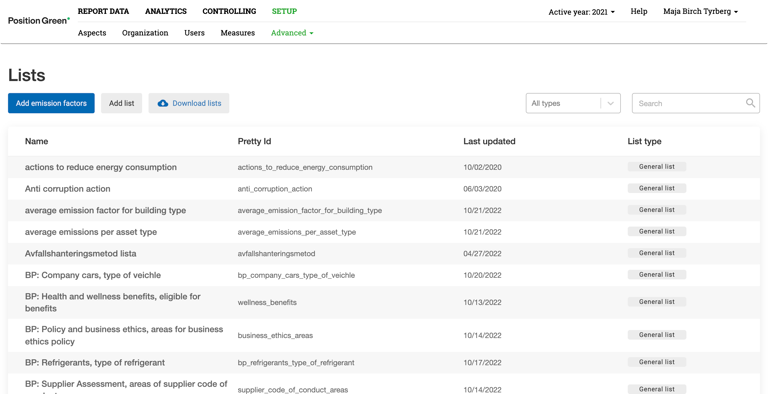
The Lists overview displays all lists in a Position Green setup.
Go to "Company setup" and find "Lists" under "Advanced."
- Use the search function to search for a specific list name.
- Add emission factors, add a list, or download a list.
Find out more about lists:
What are lists?
Add a list or add list items.
Create an emission factor list.
Optional settings.
Download.
Several values in one list item.
Updating and creating new lists in Excel.
Was this article helpful?
That’s Great!
Thank you for your feedback
Sorry! We couldn't be helpful
Thank you for your feedback
Feedback sent
We appreciate your effort and will try to fix the article