1. Go to Companies in the left menu and click the company to delete.
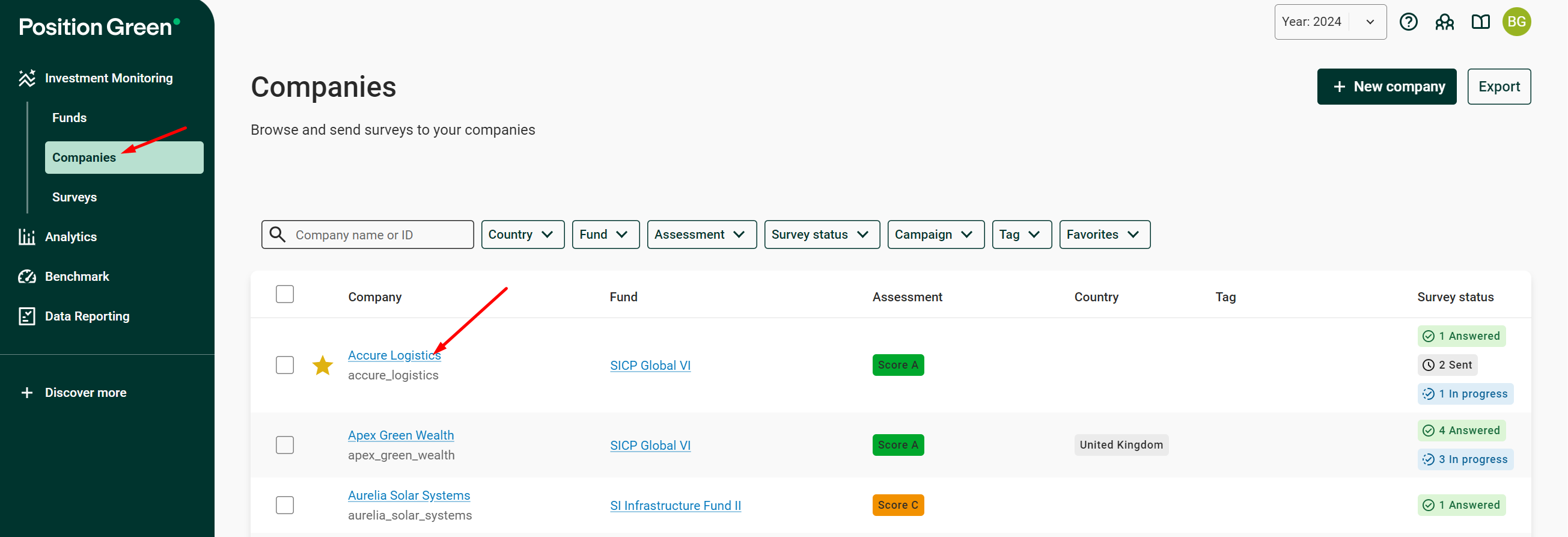
Select a company under Companies
2. In the overview widget, click the additional menu icon (...) and click “Delete”.
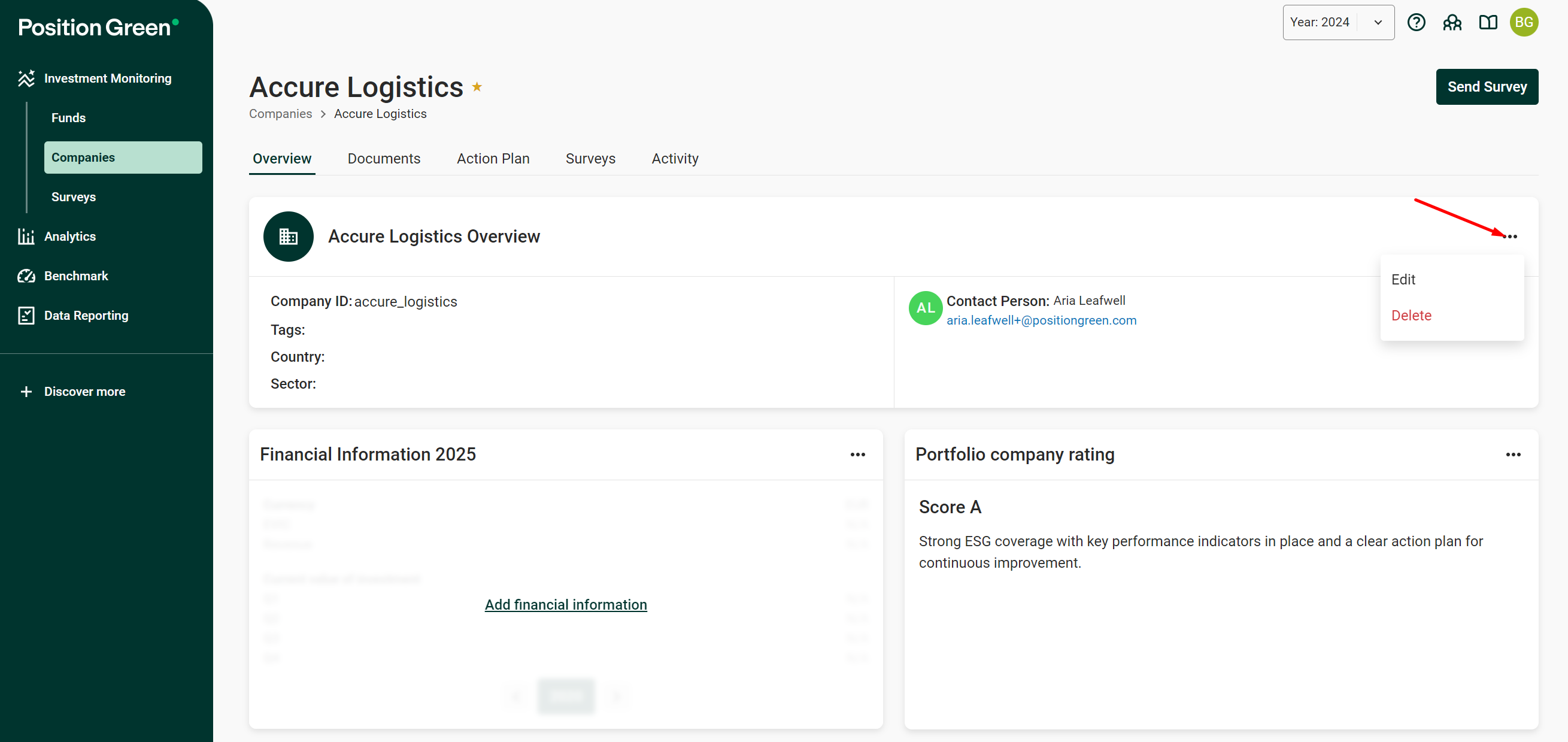
Delete option in the overview widget menu
3. Confirm the permanent deletion of the company by clicking “Delete”. All associated data for the current year is also deleted.
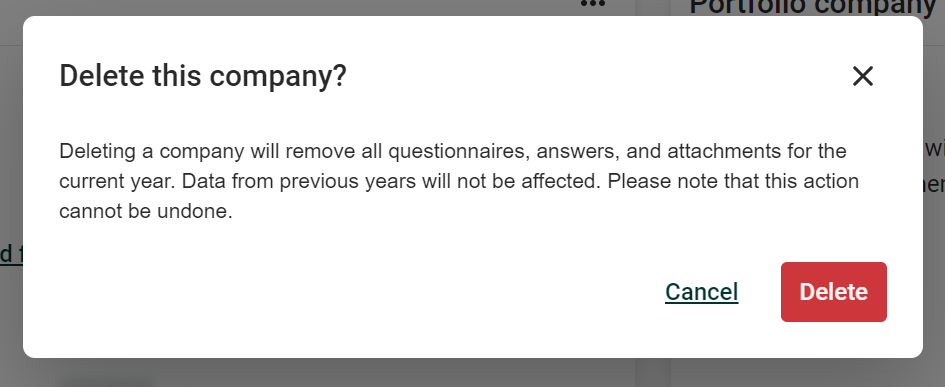
Confirm deletion of the company
Was this article helpful?
That’s Great!
Thank you for your feedback
Sorry! We couldn't be helpful
Thank you for your feedback
Feedback sent
We appreciate your effort and will try to fix the article