To change the responsible contact for a supplier, go to Suppliers in the left menu, tick the check box for the supplier and select Change responsible in the menu at the bottom of the page.
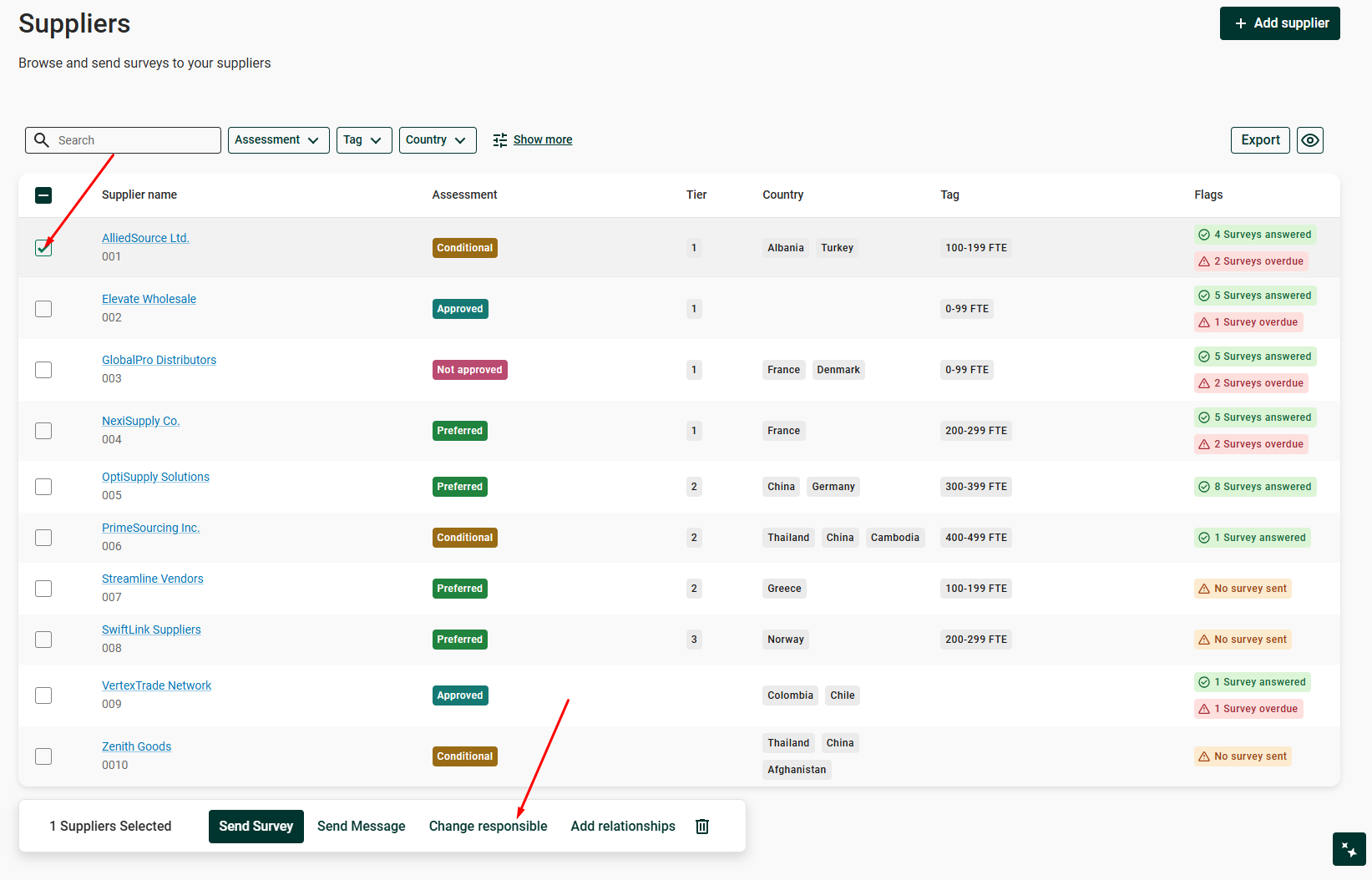
Change responsible in the menu at the bottom of the Suppliers page
Was this article helpful?
That’s Great!
Thank you for your feedback
Sorry! We couldn't be helpful
Thank you for your feedback
Feedback sent
We appreciate your effort and will try to fix the article