Use the Documents tab to manage files related to a supplier. Upload, organize and share documents with the supplier.
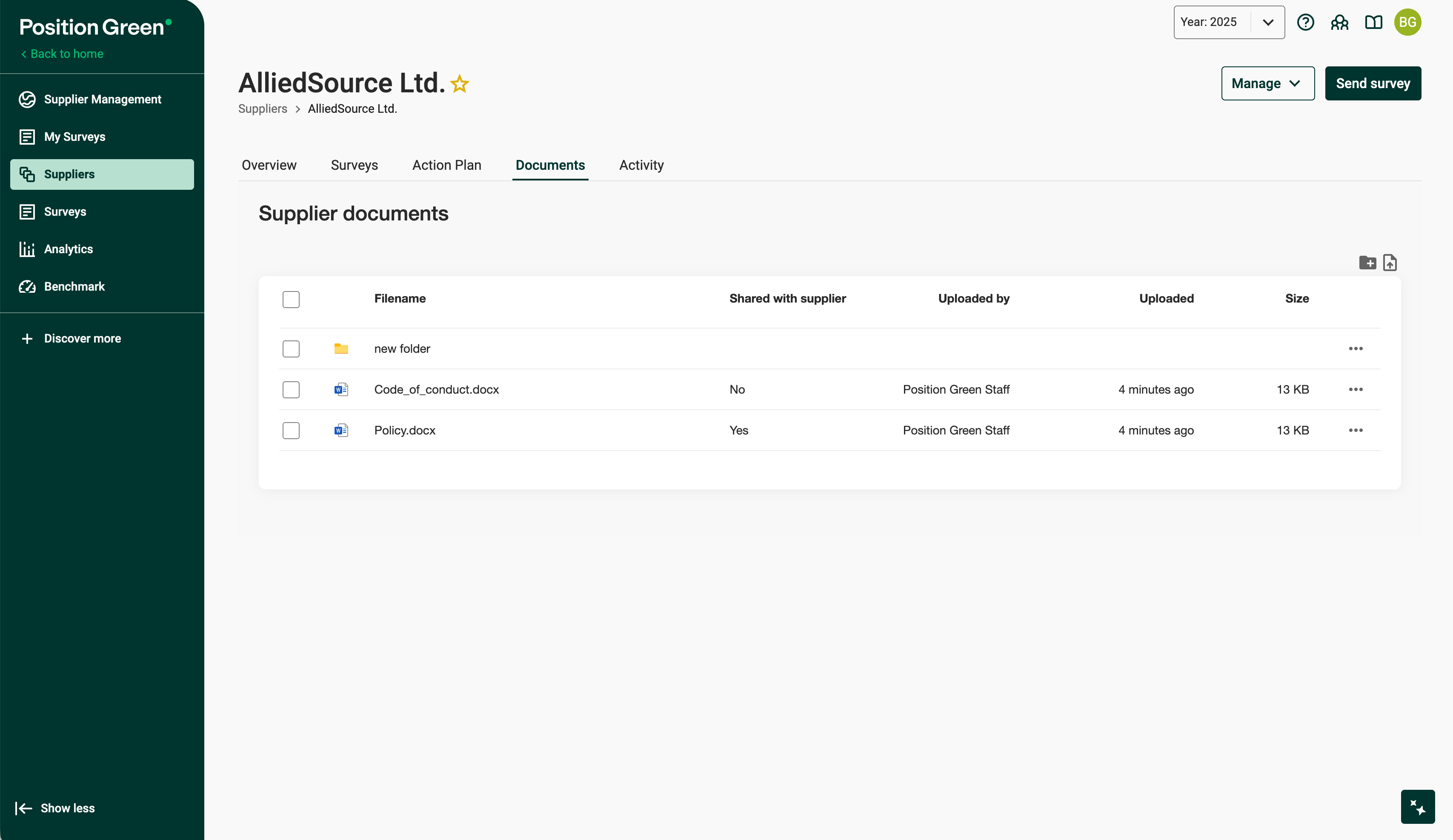
Supplier menu for AlliedSource Ltd with the Documents tab selected
Upload documents
Click the upload icon or drag and drop to add new documents to the supplier. Uploaded files appear in the document list.
Create folders
Click the folder icon to create folders and organize documents.
Share documents with the supplier
Documents can be shared directly with the supplier. The Shared with supplier column shows whether a file is shared.
Manage documents
Click the three-dot menu next to a document to:
- Share the document with the supplier
- Move the document to another folder
- Rename the document
- Delete the document
Document overview
The document list shows:
- Filename
- Sharing status
- Who uploaded the file
- Upload date
- File size
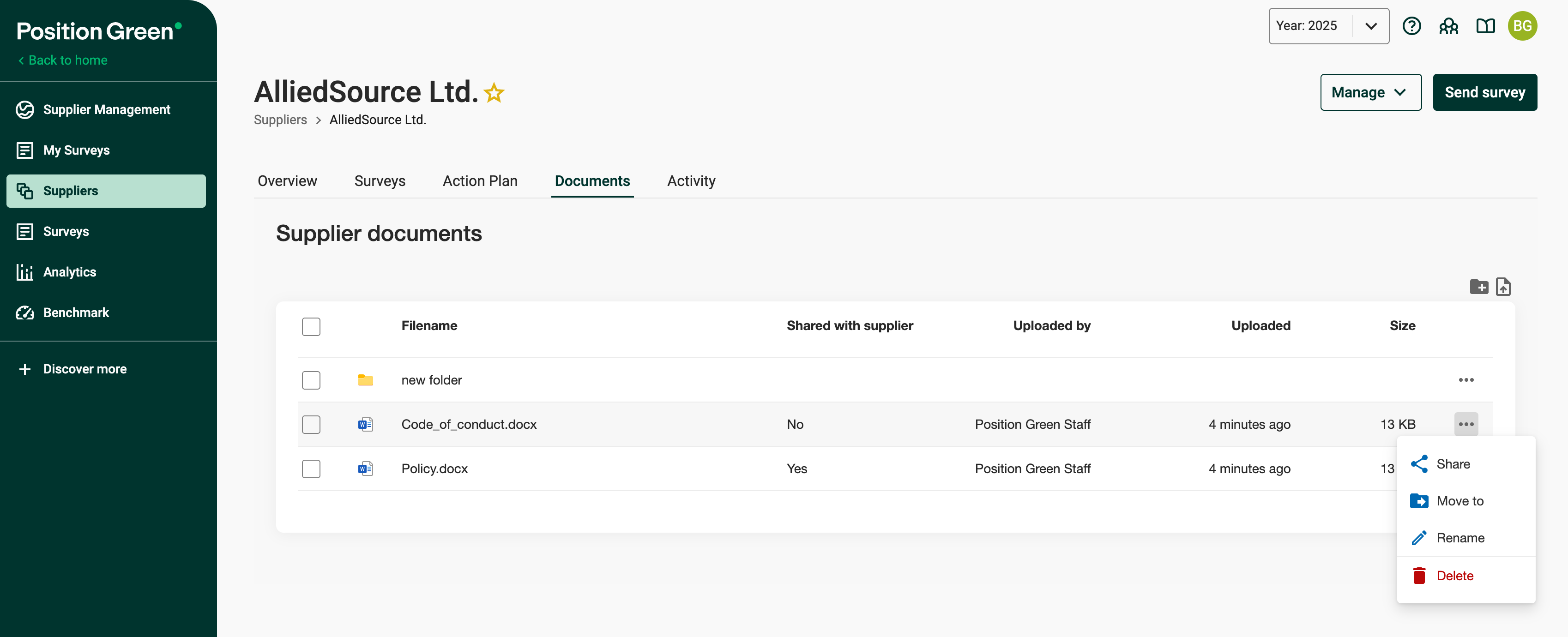
Document list for a supplier
Was this article helpful?
That’s Great!
Thank you for your feedback
Sorry! We couldn't be helpful
Thank you for your feedback
Feedback sent
We appreciate your effort and will try to fix the article