Export data from both Suppliers and Surveys using “Export”. Note that analytics and visualizations can be applied within Position Green.
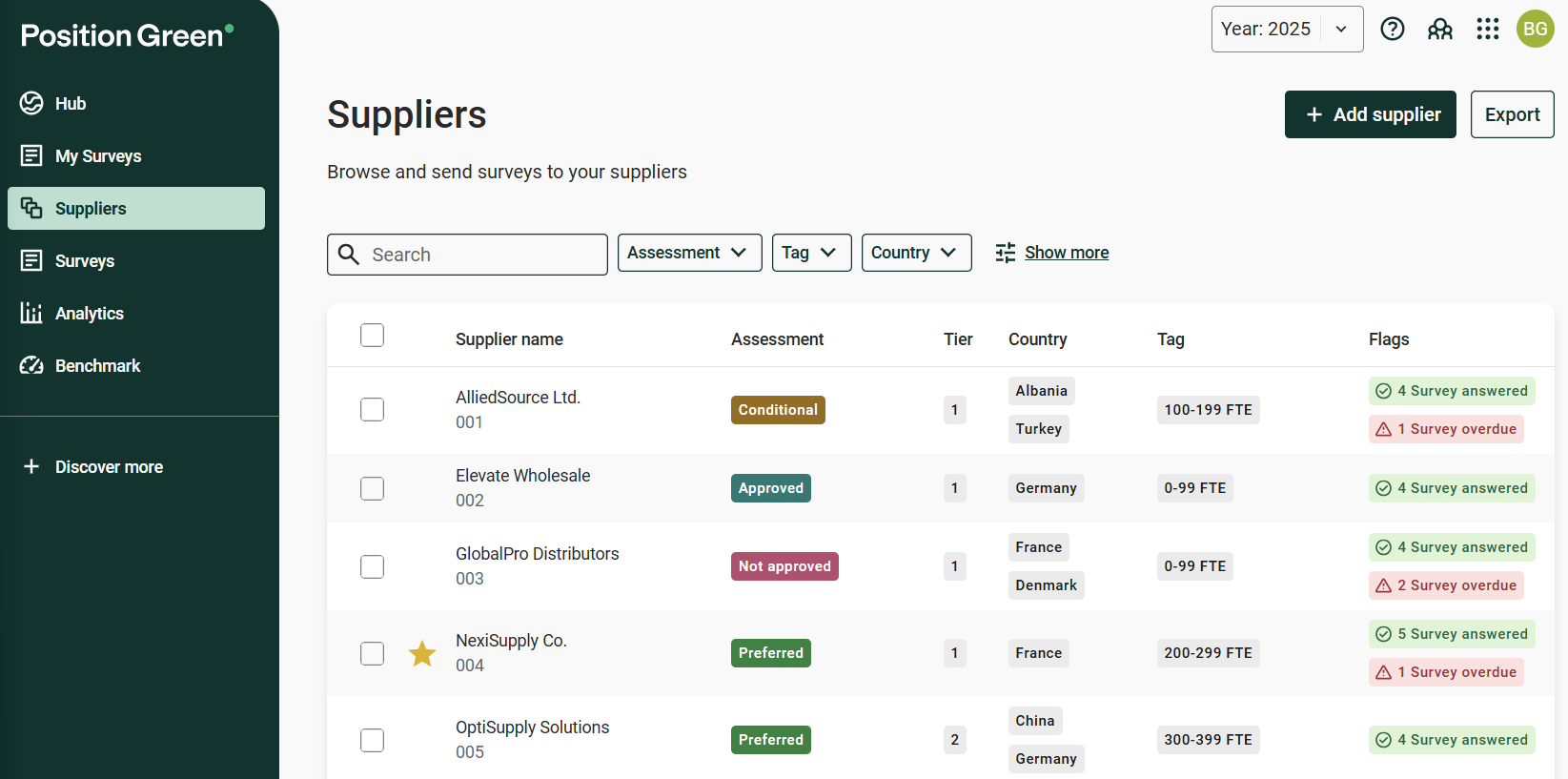
“Export” at the top right of Suppliers
In Surveys, click a survey to export its results.

Click “Export” on the right-hand side and choose the data to export
Was this article helpful?
That’s Great!
Thank you for your feedback
Sorry! We couldn't be helpful
Thank you for your feedback
Feedback sent
We appreciate your effort and will try to fix the article