Find the to-do list under Data Reporting.

Data Reporting menu overview
To-do and confirmed
The visualization below the filters show how many you have that are confirmd / ready to confirm / in progress / not started.

To-do and confirmed tasks visualization
The values are based on what is filtered. By default it will show all registrations, but can be filtered by period.
For all registrations, the following information is displayed:
- Period - the period to which the registration relates.
- Aspect - the aspect to which the registration is connected.
- Measure - the name of the registration.
- Unit - the org.unit to which the registration relates.
- Details - indicates if any documents have been uploaded or collaborations initiated.
- Status - indicates whether the registration is confirmed, in progress, or on the to-do list.
- Responsible - who is responsible for the registration
And when applicable
- Comments - indicates whether the registration has any comments,
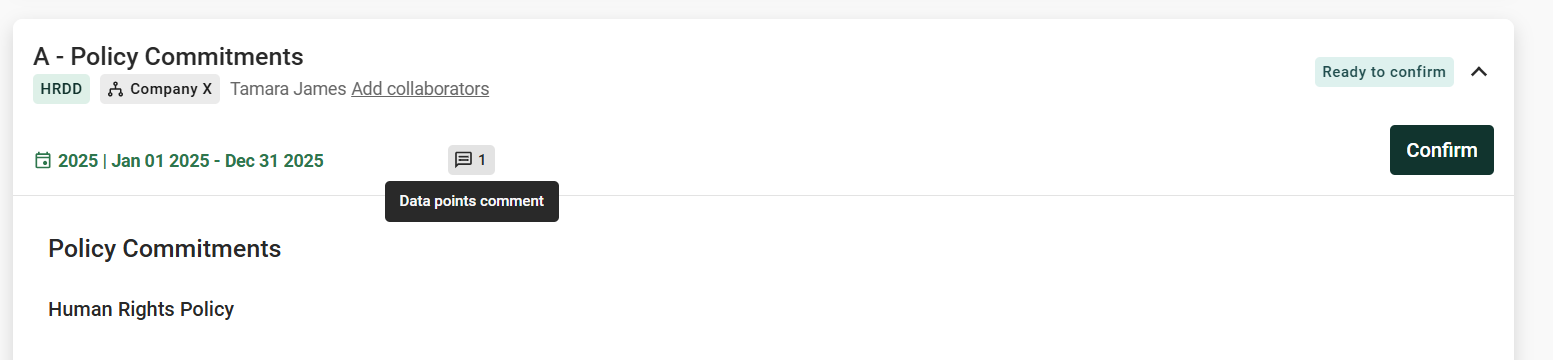
- Data point comments - indicates whether there are any comments on the data points
- Collaborators - shows how many are collaborating on the registration
Was this article helpful?
That’s Great!
Thank you for your feedback
Sorry! We couldn't be helpful
Thank you for your feedback
Feedback sent
We appreciate your effort and will try to fix the article