On the home page, widgets illustrate different metrics in Position Green. The global impact map uses a color scale to indicate impact in the countries where a business operates.
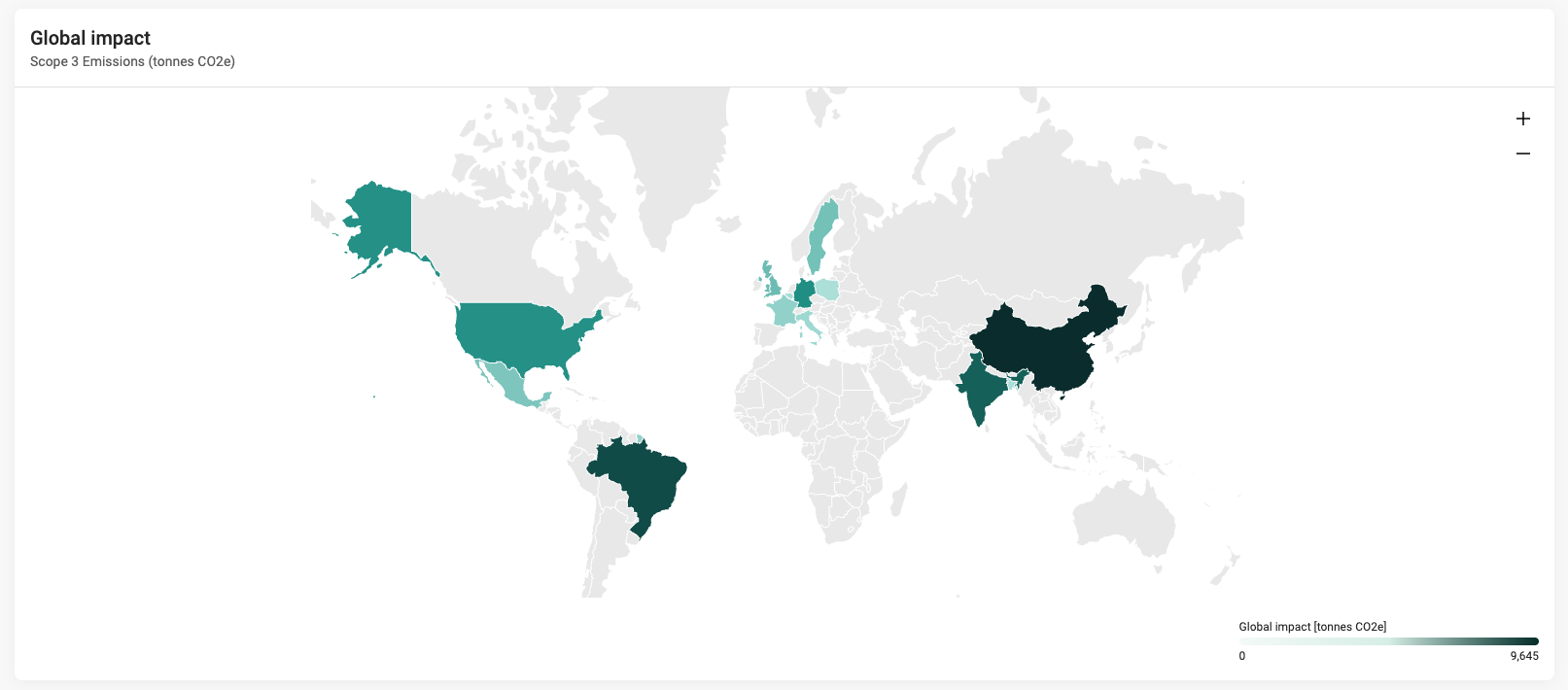
Global impact map widget

Configuration options for the global impact map
Go to Company setup > Advanced > Home & Hub configuration. This configuration controls what is summed up in the global impact map.
- Add to lobby: Option to remove the map from Home.
- Tags: Select up to 5 measure point tags to sum up.
- Unit: The unit dropdown lists the units connected to the tags. This helps ensure that the summed tags use the same unit.
- Add a brief description of what the map shows.
Find out more about the home page.
Was this article helpful?
That’s Great!
Thank you for your feedback
Sorry! We couldn't be helpful
Thank you for your feedback
Feedback sent
We appreciate your effort and will try to fix the article