In Suppliers, click a supplier name to open the supplier details.

The overview tab lists the key information on the supplier
Open surveys
The Open surveys widget shows the status of the supplier’s surveys.

Example: 6 open surveys (4 completed, 1 in progress, 1 not started), 1 of them overdue. The supplier was last active in Position Green 3 months ago
Essential info
Essential info shows the key information on the supplier. Edit the supplier details here, including the responsible person. Suppliers are grouped by industry and by the countries they operate in. The Sustainable Industry Classification System® (SICS®) is used for classifying the industry.
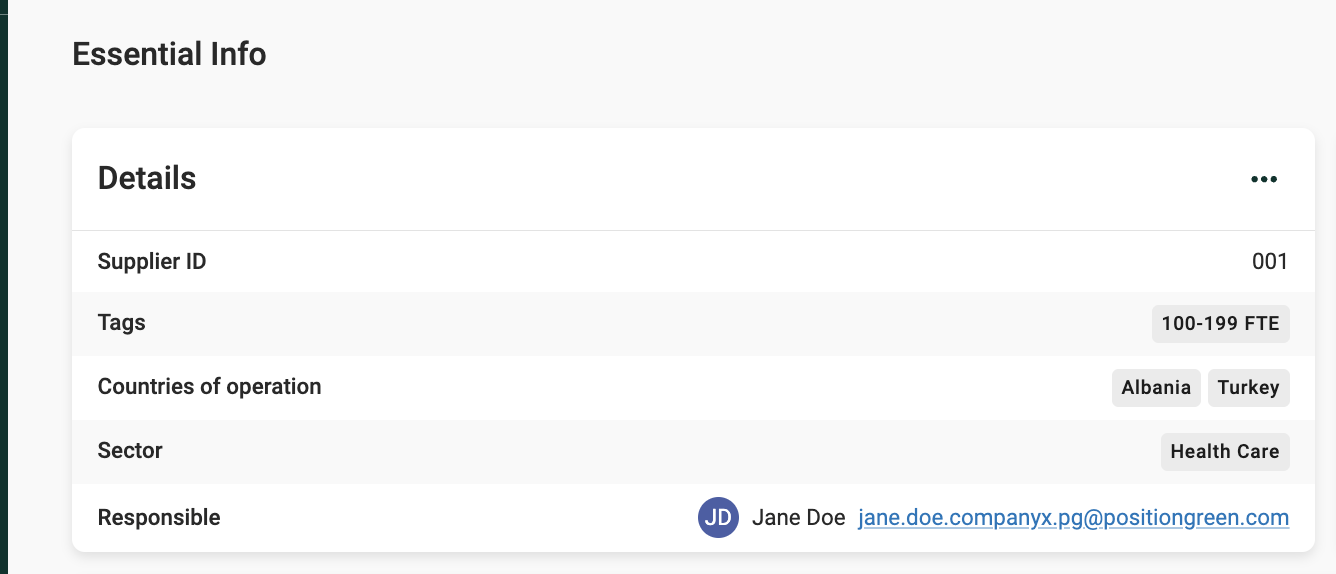
Essential info widget
Spend
This widget shows the spend on the supplier, which helps show how large an impact a high-risk supplier can have.

Spend widget
Index ratings
The selected countries indicate the type of human rights risk associated with the supplier. Read more about the human rights risk index.

Index ratings widget
Custom insights
Depending on the setup, this widget shows supplier scores and ratings.
Notes
Add notes to share with colleagues.

Notes widget
Was this article helpful?
That’s Great!
Thank you for your feedback
Sorry! We couldn't be helpful
Thank you for your feedback
Feedback sent
We appreciate your effort and will try to fix the article