Org.units are deleted in Company setup > Organization. An org.unit can only be deleted after all measures are removed from it.

The org.unit Copenhagen cannot be deleted because it has measures connected
Click the Select measures icon (map pin icon) in the bottom right-hand corner of the org.unit to delete. Click the double arrow button to remove all measures from the org.unit. Select what to do with existing registrations under this org.unit. Click “Save”.

Options for existing data under the org.unit
Click the bin icon in the bottom left-hand corner of the org.unit to delete it.
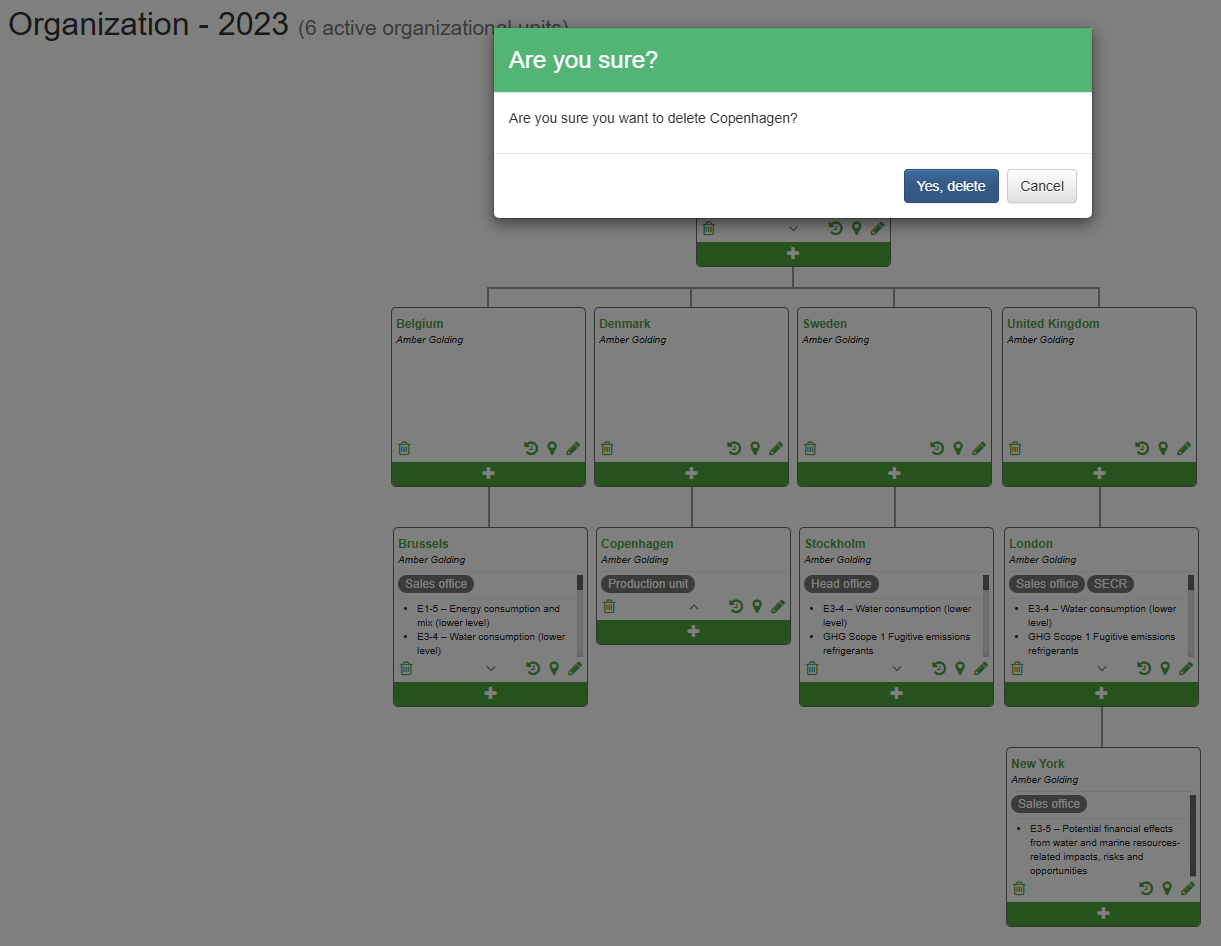
Confirmation before the org.unit is deleted
Was this article helpful?
That’s Great!
Thank you for your feedback
Sorry! We couldn't be helpful
Thank you for your feedback
Feedback sent
We appreciate your effort and will try to fix the article