In the Measure builder, select a control. Under Advanced, most controls accept CSS classes.
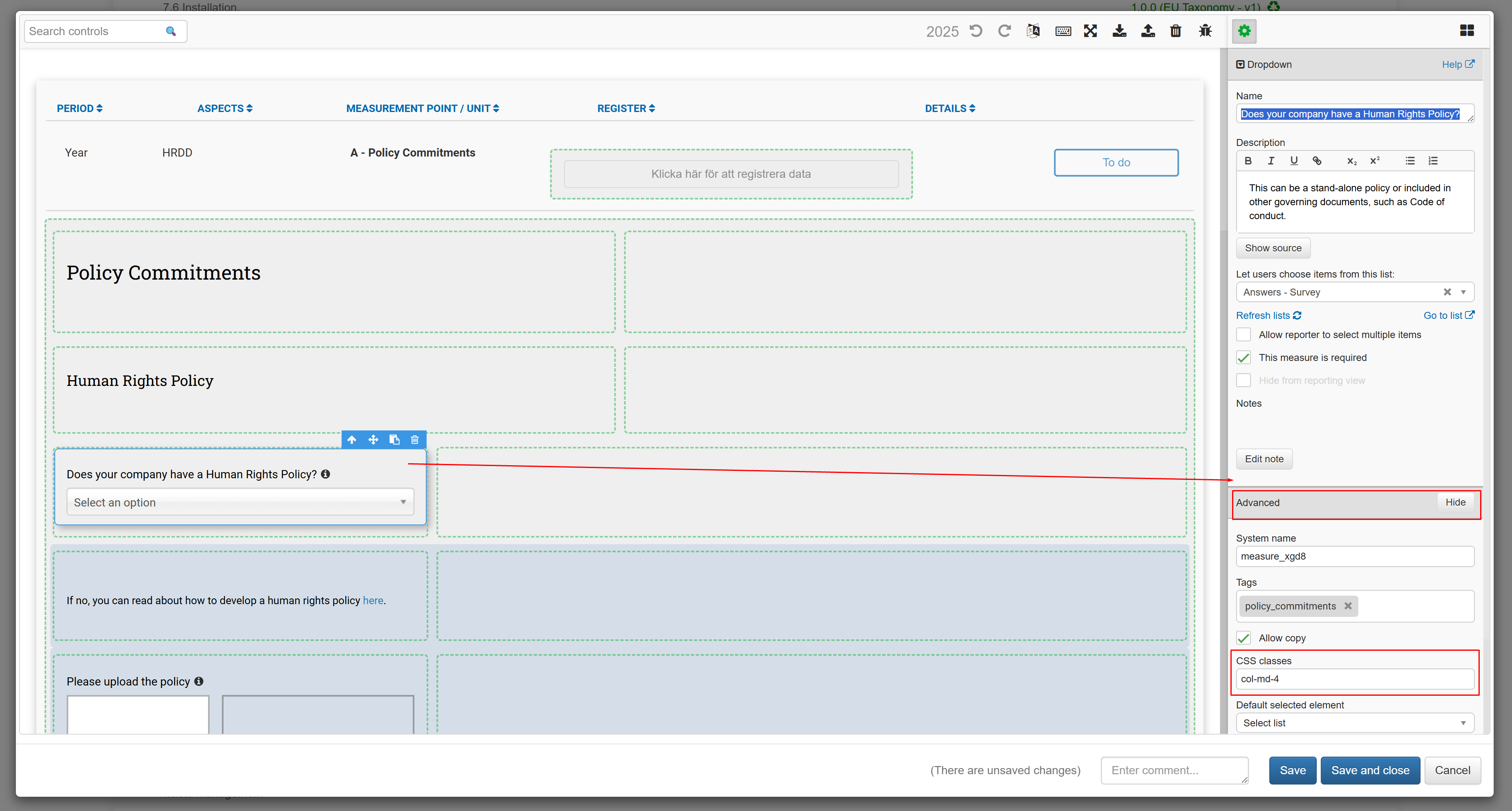
CSS classes field under Advanced
To add more classes, write them after the column width class (e.g., col-md-3), for example:
col-md-3 text-danger.
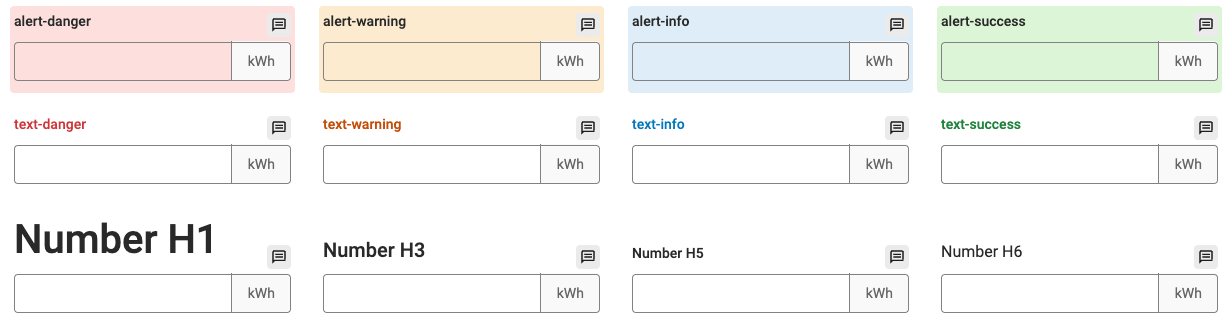
Only the following classes are supported:
- Text size: h1 – h6
- Text color: text-danger, text-success, text-warning, text-info
- Background color: alert-danger, alert-success, alert-warning, alert-info
Classes from different categories can be combined. If two classes from the same category are entered, for example "text-danger text-success", the last one in the sequence is used.
For a Label control, there are three different CSS class inputs: CSS classes, Label CSS, and Description CSS.
CSS classes only accepts background color classes (text color classes entered here have no effect).
Label CSS and Description CSS accept text size and text color classes, but not background color classes.
CSS class inputs for a Label control
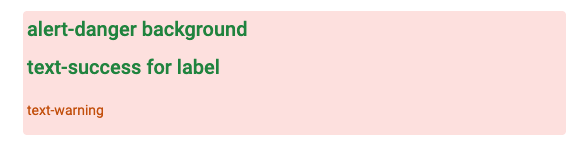
Example of a Label control styled with CSS classes
Was this article helpful?
That’s Great!
Thank you for your feedback
Sorry! We couldn't be helpful
Thank you for your feedback
Feedback sent
We appreciate your effort and will try to fix the article