Yes. If the survey is not sent to the supplier yet, you can remove them. This is how you do it:
- Go to Surveys in the left side menu and select the relevant survey
- Click on Edit survey and Add or remove recipients
- Find the supplier you want to remove in the list and click the - Remove button
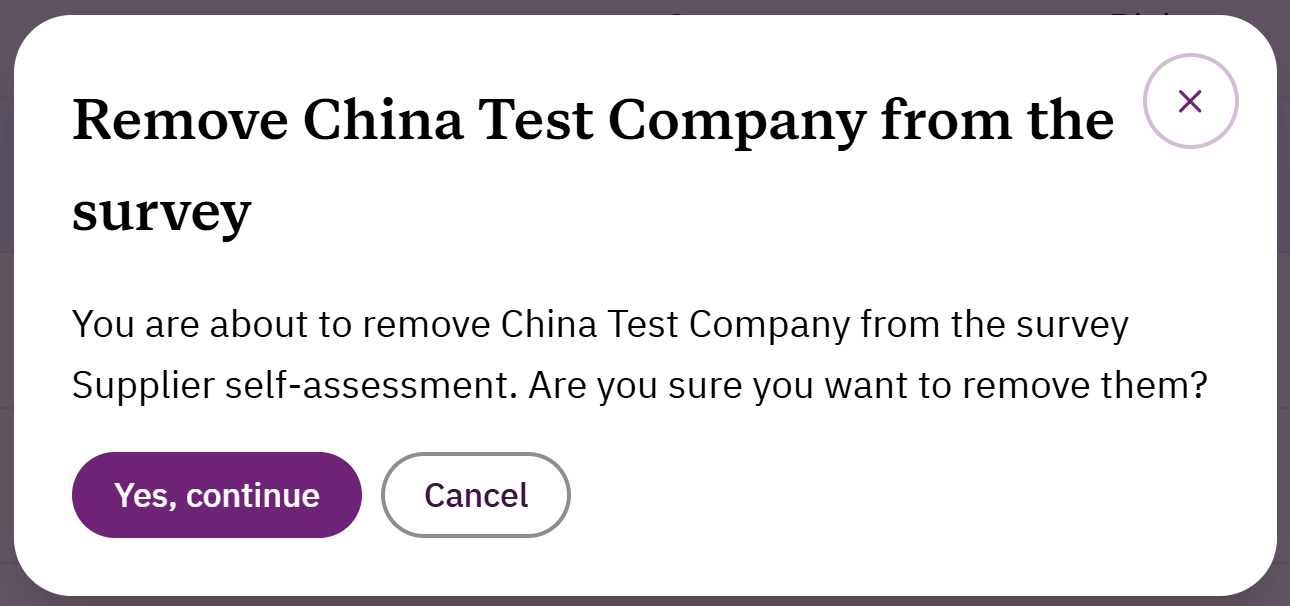
- Click on Yes, continue in the dialogue box that appears and you have successfully removed the supplier from the survey
If the survey is already sent you currently can’t delete the supplier from the survey. What you can do is to set the supplier to inactive:
- Go to Suppliers and click on the relevant supplier
- Click on the Edit supplier button
- Go to the bottom of the page and click on the Deactivate supplier button
- Confirm by clicking on the Deactivate supplier button in the dialogue box that appears. You can always activate the supplier again.
The supplier will still be in the survey but shown as inactive.
If you need more help, please send our support team a message here and we will help you.
Was this article helpful?
That’s Great!
Thank you for your feedback
Sorry! We couldn't be helpful
Thank you for your feedback
Feedback sent
We appreciate your effort and will try to fix the article