You can invite one or more users to your company account in Factlines. Here's how:
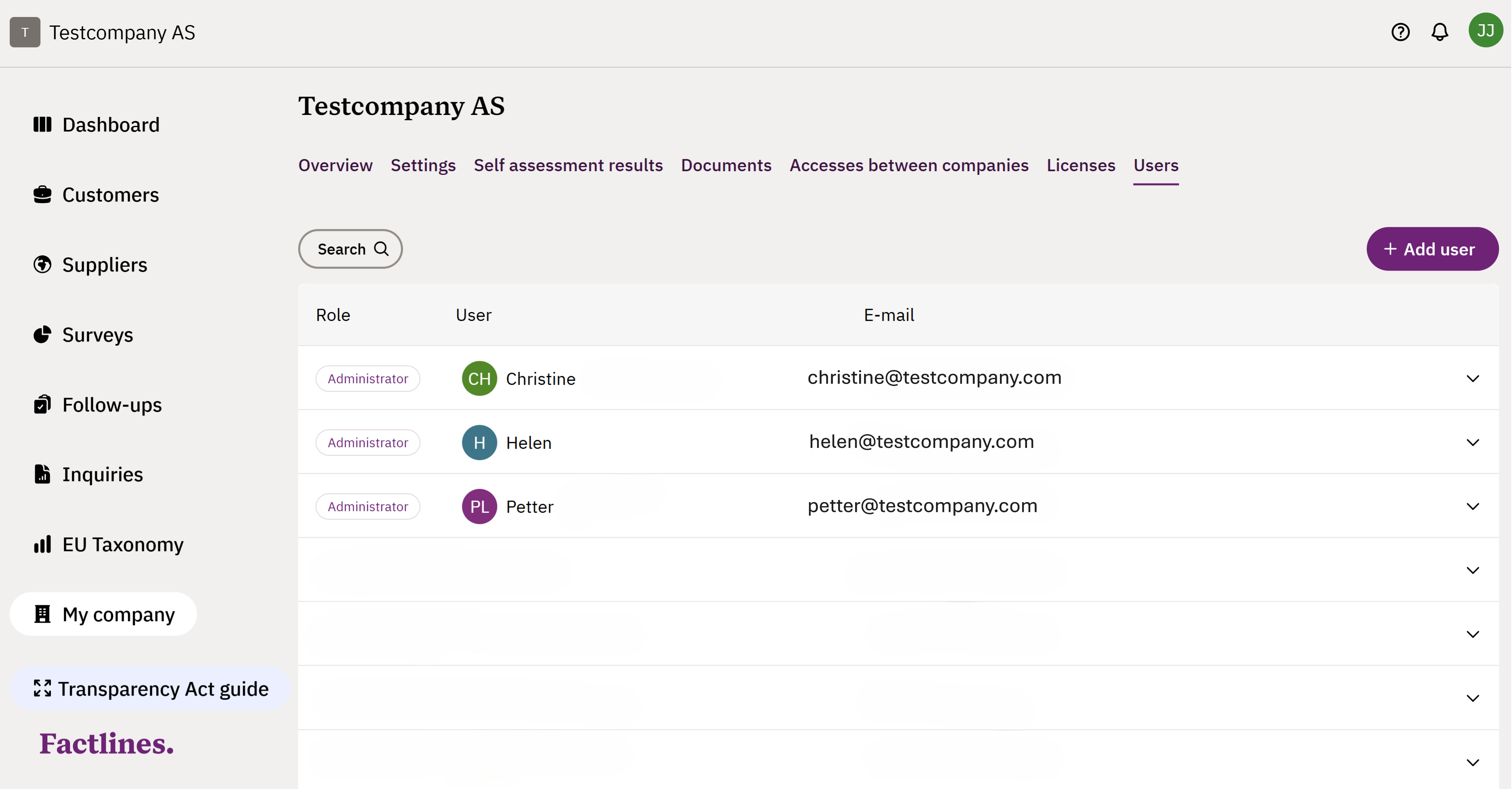
- Go to My company in the left side menu
- Click on the Users tab and the + Add user button
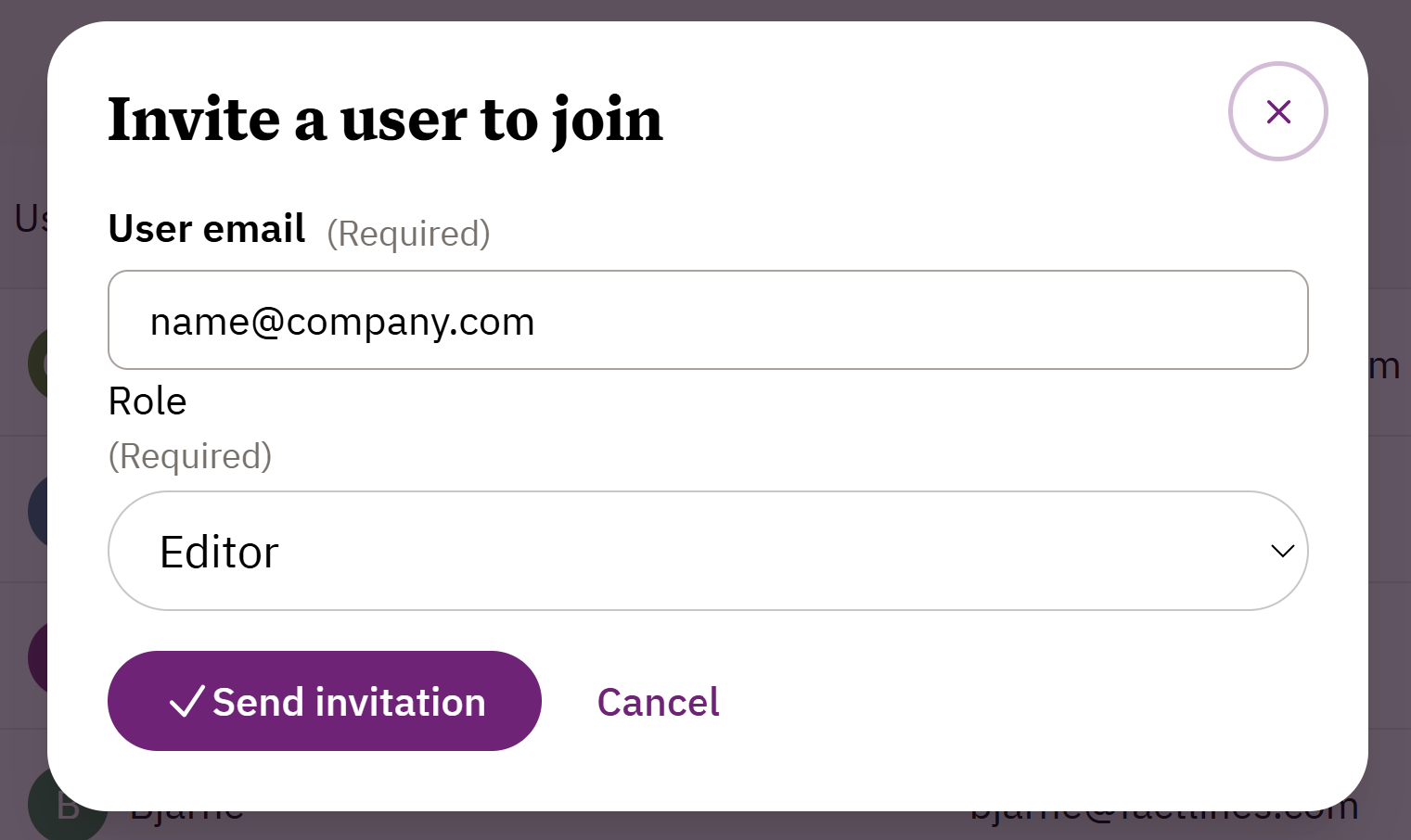
- Write the new users email and select role from the drop-down menu
- Click Send invitation
Was this article helpful?
That’s Great!
Thank you for your feedback
Sorry! We couldn't be helpful
Thank you for your feedback
Feedback sent
We appreciate your effort and will try to fix the article