Yes, if you need to edit or update your survey answers, you can do so until the deadline expires.
- Go to Inquiries in the left-side menu and click on the survey you want to edit. You are now back in the survey and can change your answers.
- Once you have made your changes, you must resubmit the survey for your customer to see the updated information.
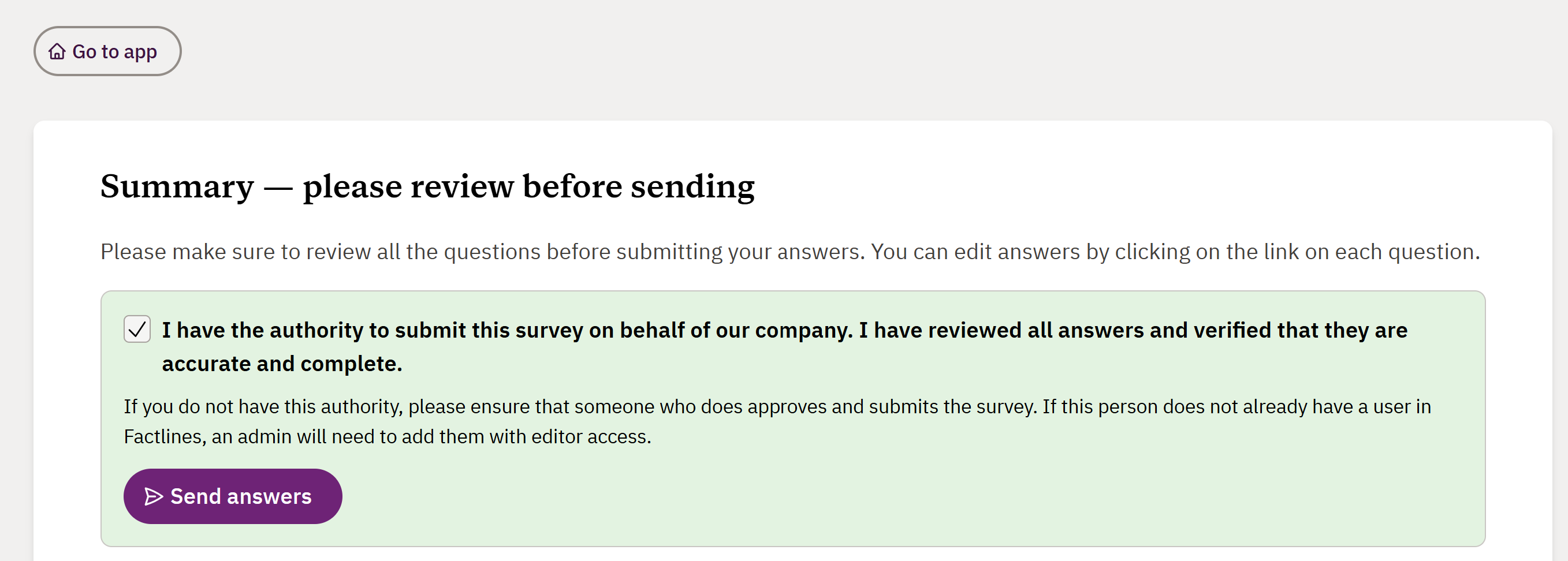
- Go to Summary at the end of the survey, check the confirmation box and click Send answers.
If the deadline for responding has expired, you must ask your customer to reopen the survey.
If you need more help, please send our support team a message here and we will help you.
Was this article helpful?
That’s Great!
Thank you for your feedback
Sorry! We couldn't be helpful
Thank you for your feedback
Feedback sent
We appreciate your effort and will try to fix the article