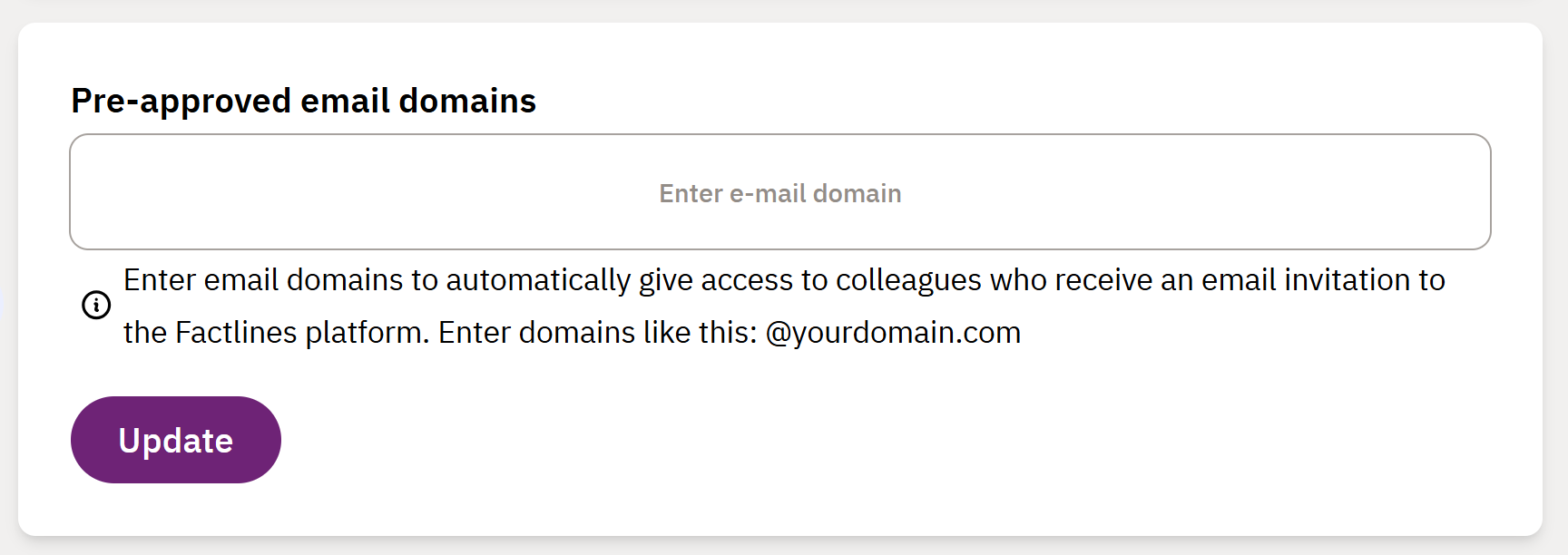
In your company settings you can add pre-approved email domains to your company’s account in Factlines. This means that users with the email domains you add do not need to wait for an admin to grant them access when they receive an email invitation to the Factlines platform.
- Go to My company and click on the Settings tab
- Enter domains like this: @yourdomain.com and click Update
Was this article helpful?
That’s Great!
Thank you for your feedback
Sorry! We couldn't be helpful
Thank you for your feedback
Feedback sent
We appreciate your effort and will try to fix the article