You can edit the access level (role) of a user or remove one or more users in your company account in Factlines. Here's how:
- Go to My company in the left side menu
- Click on the Users tab
- Search and find the user you want to edit
- Click on the dropdown menu on the user
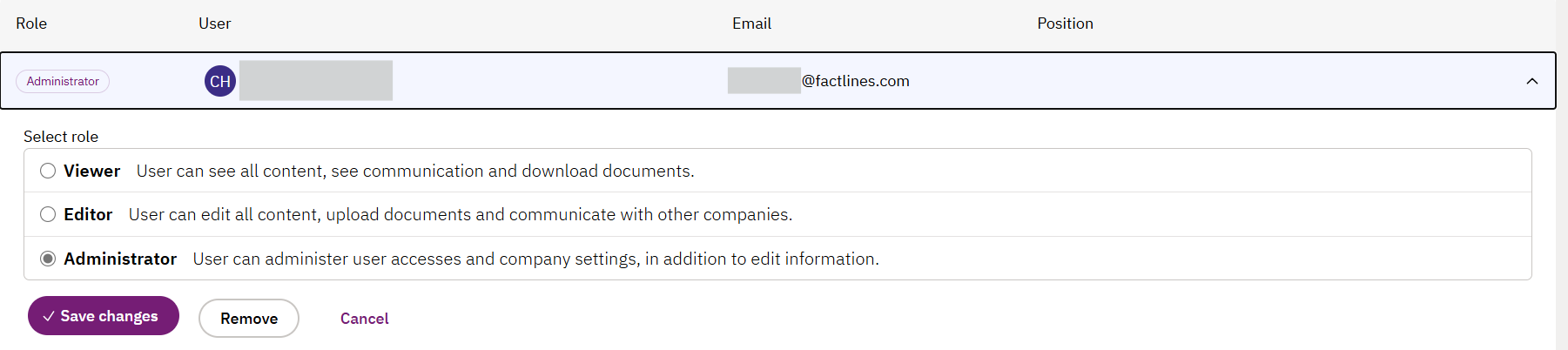
- Select role and click Save changes or Removeuser
- The viewer is a read-only role, and the editor and administrator are roles that can edit info.
Was this article helpful?
That’s Great!
Thank you for your feedback
Sorry! We couldn't be helpful
Thank you for your feedback
Feedback sent
We appreciate your effort and will try to fix the article