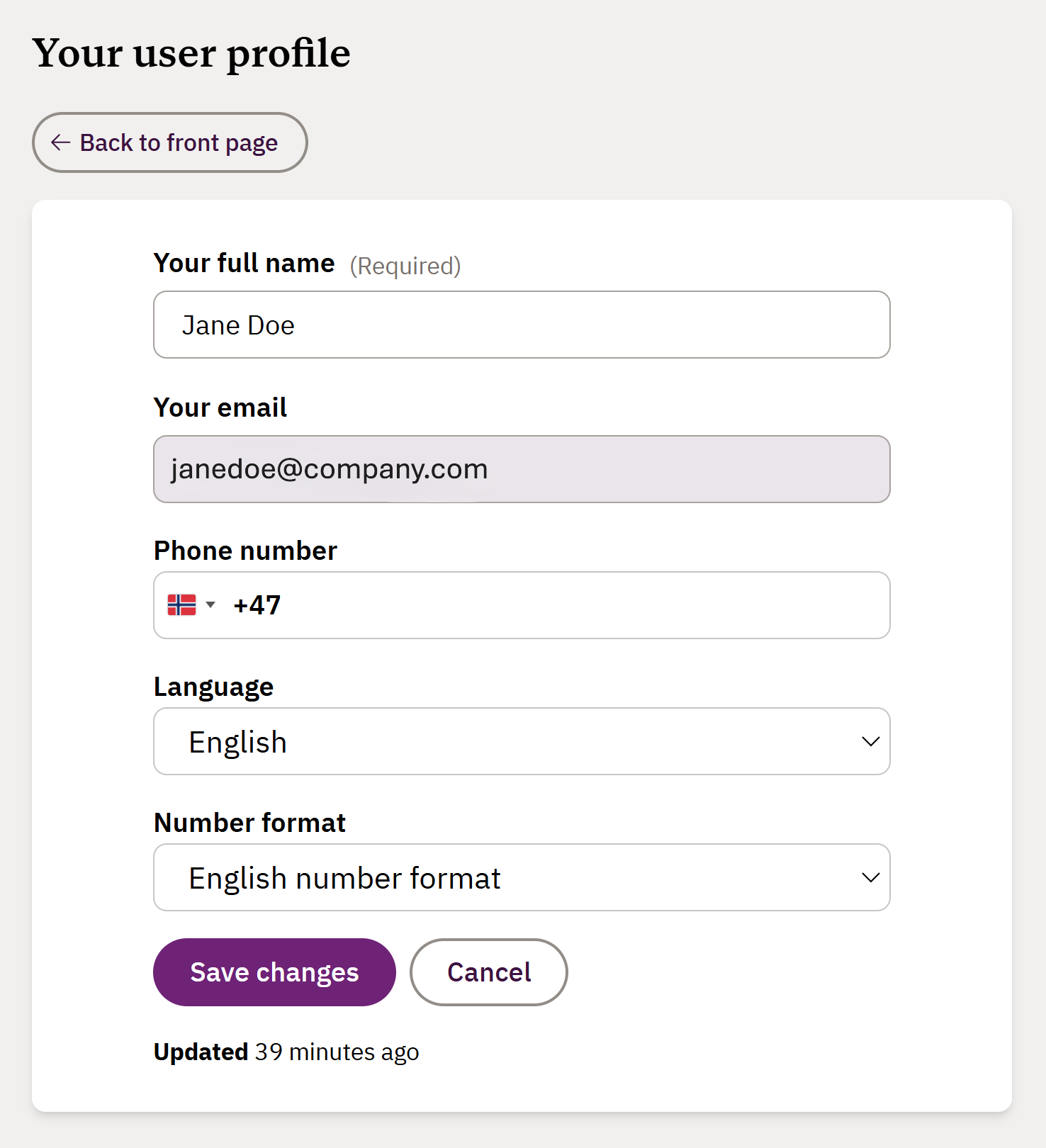
Surveys in Factlines are currently available in English and Norwegian. To view and answer the survey in a different language, you need to edit language in your user profile:
Click on your initials in the top-right corner to go to your user profile and click on your name again
Select your language in the drop-down menu and click Save changes. Your user profile is updated, and the survey will be available in the chosen language.
Click Back to front page and select your company
Go to Inquires in the left side menu to answer the survey
If you need more help, please send our support team a message here and we will help you.
Was this article helpful?
That’s Great!
Thank you for your feedback
Sorry! We couldn't be helpful
Thank you for your feedback
Feedback sent
We appreciate your effort and will try to fix the article