Navigation
Welcome to Position Green Carbon Management.
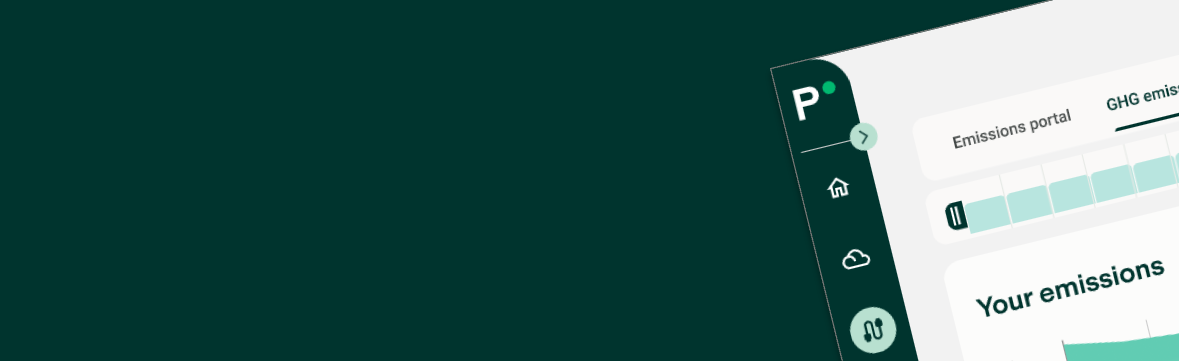
Carbon Accounting is part of Position Green, but operates in a separate subdomain: carbon.positiongreen.com. Navigate easily between Carbon Management and Sustainability Reporting.
In Carbon Management, find all carbon-related modules available to the user, including Carbon Accounting and Decarbonize.
Carbon Accounting
Use Carbon Accounting to get an overview of actual emissions. See more information here.
Decarbonize
Use Decarbonize to look into the future and plan decarbonization. More information is available here.
Data
Use Data to manage data import and export.
See Integrations for all integrations and how to import data automatically or manually.
Settings
Use Settings to manage settings specific to Carbon Management, including the emission boundary for the organization, user management, and preferred language.
Search
Use the top search bar to quickly find emissions, emission factors, departments or users. For example, search for "Diesel" to find emissions from diesel consumption.
Notifications
Use the notification area in the top-right corner to find relevant notifications, such as integration news or requests from colleagues. Notifications are personal and may differ between users even in the same company.
FAQ
Where do I find my emission report?
You get an overview of your emission data in the different Views within Carbon accounting.
All compliancy-focused reports (ESRS, VSME, GRI etc) are available as a part of the Sustainability Reporting offering. Navigate back to Home and find reports under ESRS, Analytics, or Export.
Was this article helpful?
That’s Great!
Thank you for your feedback
Sorry! We couldn't be helpful
Thank you for your feedback
Feedback sent
We appreciate your effort and will try to fix the article