TABLE OF CONTENTS
The platform allows you to add or update companies using an Excel file import. To access this feature, navigate to Settings > Import Companies.
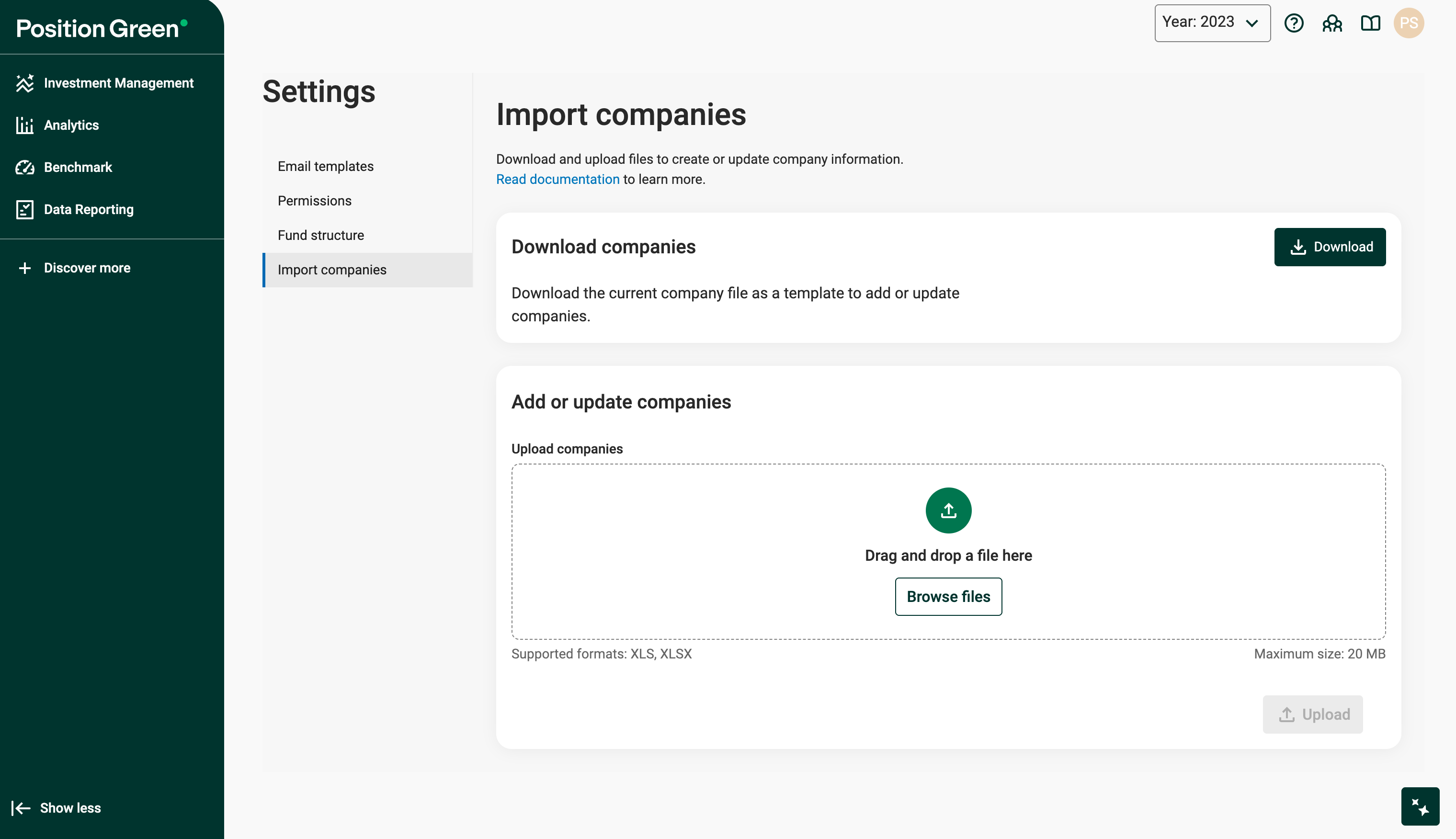
Companies export/import page
Overview
Each row in the file represents a company for the active year. If changes are required across multiple years, you must perform separate imports for each year. The type of operation - creation of a new company or updating an existing one - is determined by the Id field.
File format
Companies sheet columns
Id - This field contains the company’s database ID. It can either be empty, to create a new company, or match an existing company’s ID within the year to update that company.
Name - (Required) The company’s name.
PrettyId - (Required) A user-defined custom ID. If a company is being created, the system will search for matches on this ID across previous years. If a match is found in a different year, the system links the new entry to the previously existing company by assigning the same Global ID.
ContactPersonEmail - (Required) The email address of any user associated with the company. Note that the user must already exist in the organization.
Tags - A list of tags to assign to the company, separated by semicolons. Example: tag1;tag2;tag3. Note that these tags must already exist in the tag library with the scope set to supplier.
Country - Use the Alpha-3 country code where the company’s headquarters is located. You can find the list of valid codes here.
Sector - The sector must match one of the sectors from the Sustainable Industry Classification System (SASB), taken from here. These values are stored as a PG list for each product, called Sustainable Industry Classification System - SASB.
Currency - The expected currency code for financial data, following the currency codes set up for the product.
Revenue - The company’s financial revenue data.
Evic - The financial EVIC number for the company.
InvestValueQ1-Q4 - The financial data representing the current value of investments for each quarter, Q1 through Q4.
Inspecting Changes Before Import (Diff View)
After selecting a file, the system will display a Diff View that previews the actions to be taken: create, update, or leave unchanged. This view allows you to inspect what will happen during the import process.
- Create - Shows companies that will be newly created.
- Update - Shows companies that will be updated. Changed cells will be highlighted, and you can toggle a checkbox within the table to view previous values.
- Untouched - Lists companies that will not be affected.
The import will not apply any changes until you click the Upload button.
Was this article helpful?
That’s Great!
Thank you for your feedback
Sorry! We couldn't be helpful
Thank you for your feedback
Feedback sent
We appreciate your effort and will try to fix the article