Removing a list requires access to the Setup application. Click the initials in the upper right corner and select Company Setup. In the Setup application, click Advanced in the top menu and select Lists.
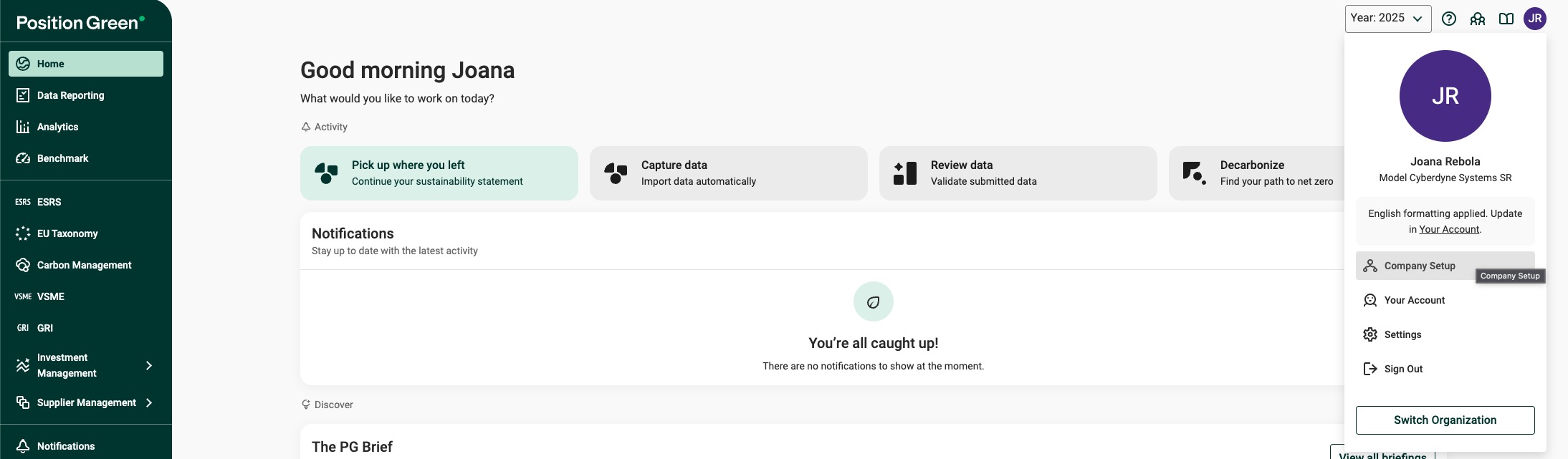
Lists under Advanced in Company Setup
In the Lists view, click the bin icon at the end of the row for the list to delete.
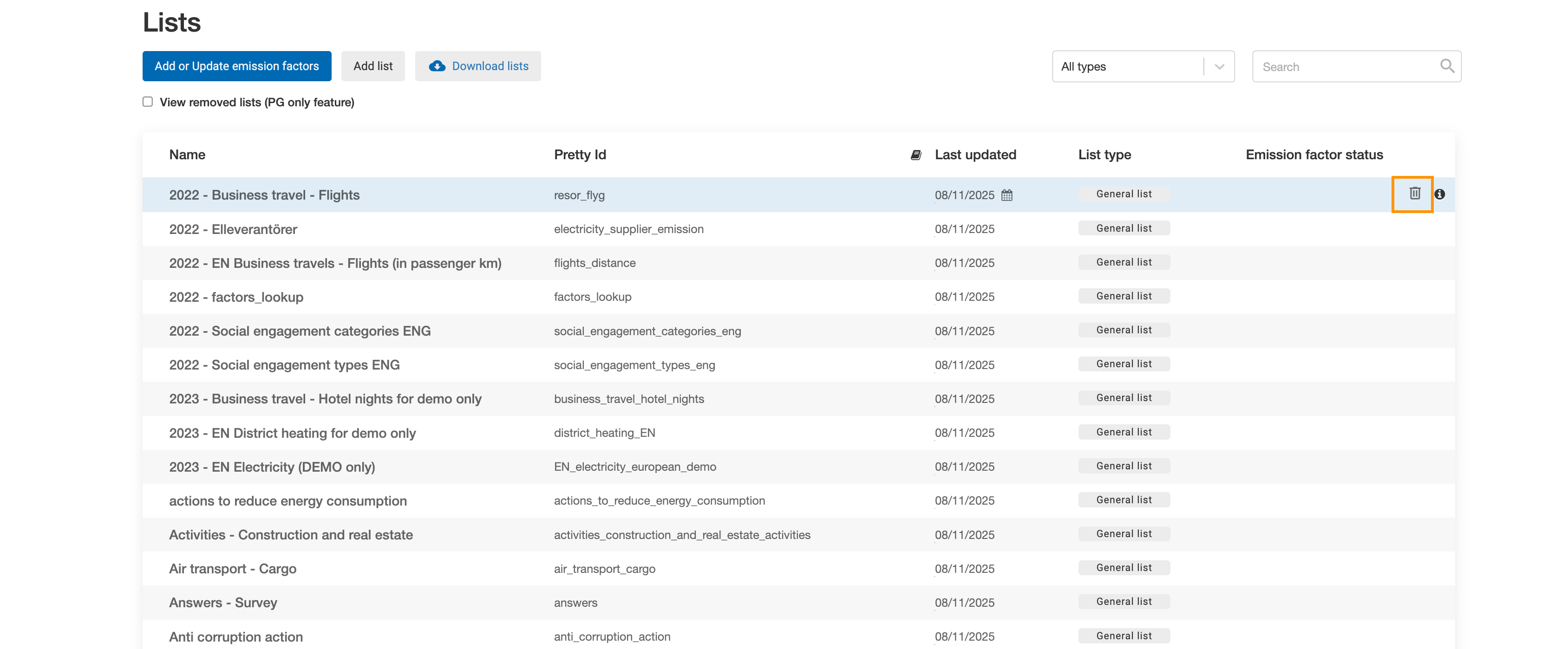
Bin icon for deleting a list
Confirm the deletion when prompted. Deleted lists cannot be recovered.
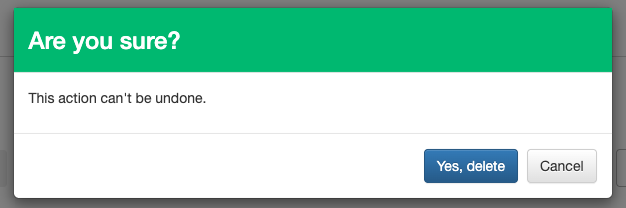
Confirm the list deletion
Was this article helpful?
That’s Great!
Thank you for your feedback
Sorry! We couldn't be helpful
Thank you for your feedback
Feedback sent
We appreciate your effort and will try to fix the article