Set up ESRS turns the latest double materiality assessment (DMA) into a reporting setup that is ready to use. It takes five steps, each building on the one before: confirm what to report, tailor the setup to the organization, and then plan who reports what.
Go to ESRS > Set up ESRS to start.
Before starting: Select the reporting year to set up. Complete and confirm the materiality assessment for that year before reviewing the reporting scope. If Set up ESRS is not visible, contact Position Green for access.
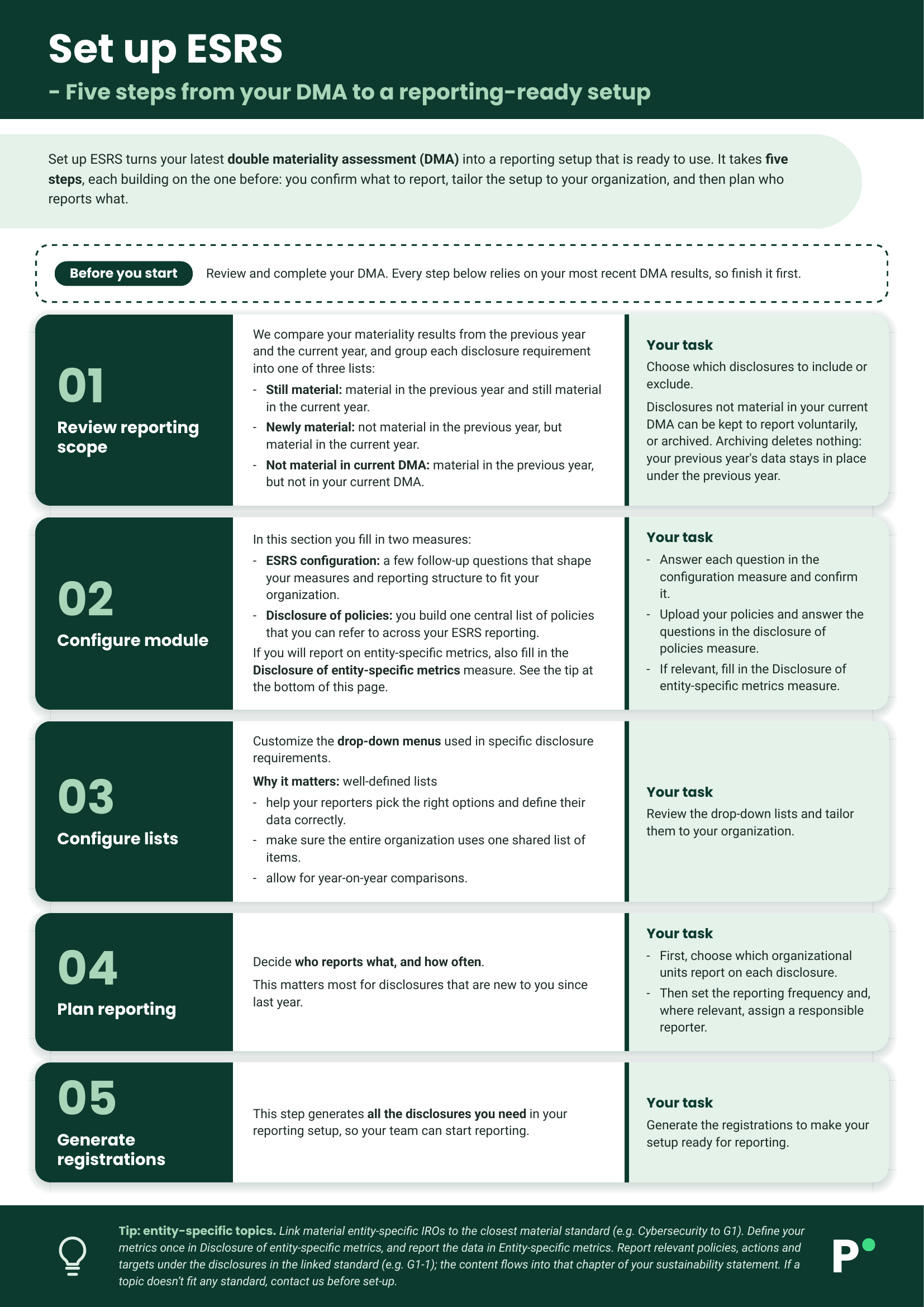
Set up ESRS: five steps from the DMA to a reporting-ready setup
The five steps
- Review reporting scope - Disclosure requirements are grouped as Still material, Newly material or Not material in current DMA. Choose which disclosures to include or exclude. Disclosures that are no longer material can be retained for voluntary reporting or archived from the selected year's reporting scope.
- Configure module - Complete and confirm the ESRS configuration and Disclosure of policies measures before starting other disclosure reporting. If applicable, also complete the Disclosure of entity-specific metrics measure.
- Configure lists - Review the drop-down lists used in the disclosure requirements and tailor them to the organization. Use consistent list definitions across reporting years to support year-on-year comparisons.
- Plan reporting - Choose which org.units report on each disclosure and set the reporting frequency. Check that every reporting unit has a responsible reporter, and assign one where missing.
- Generate registrations - Filter on Ready and generate the registrations to make the setup ready for reporting.
For an overview of the full ESRS reporting flow, see Product walkthrough: Revised ESRS.
This article applies to the Revised ESRS (Delegated Regulation (EU) 2026/1563).
Was this article helpful?
That’s Great!
Thank you for your feedback
Sorry! We couldn't be helpful
Thank you for your feedback
Feedback sent
We appreciate your effort and will try to fix the article